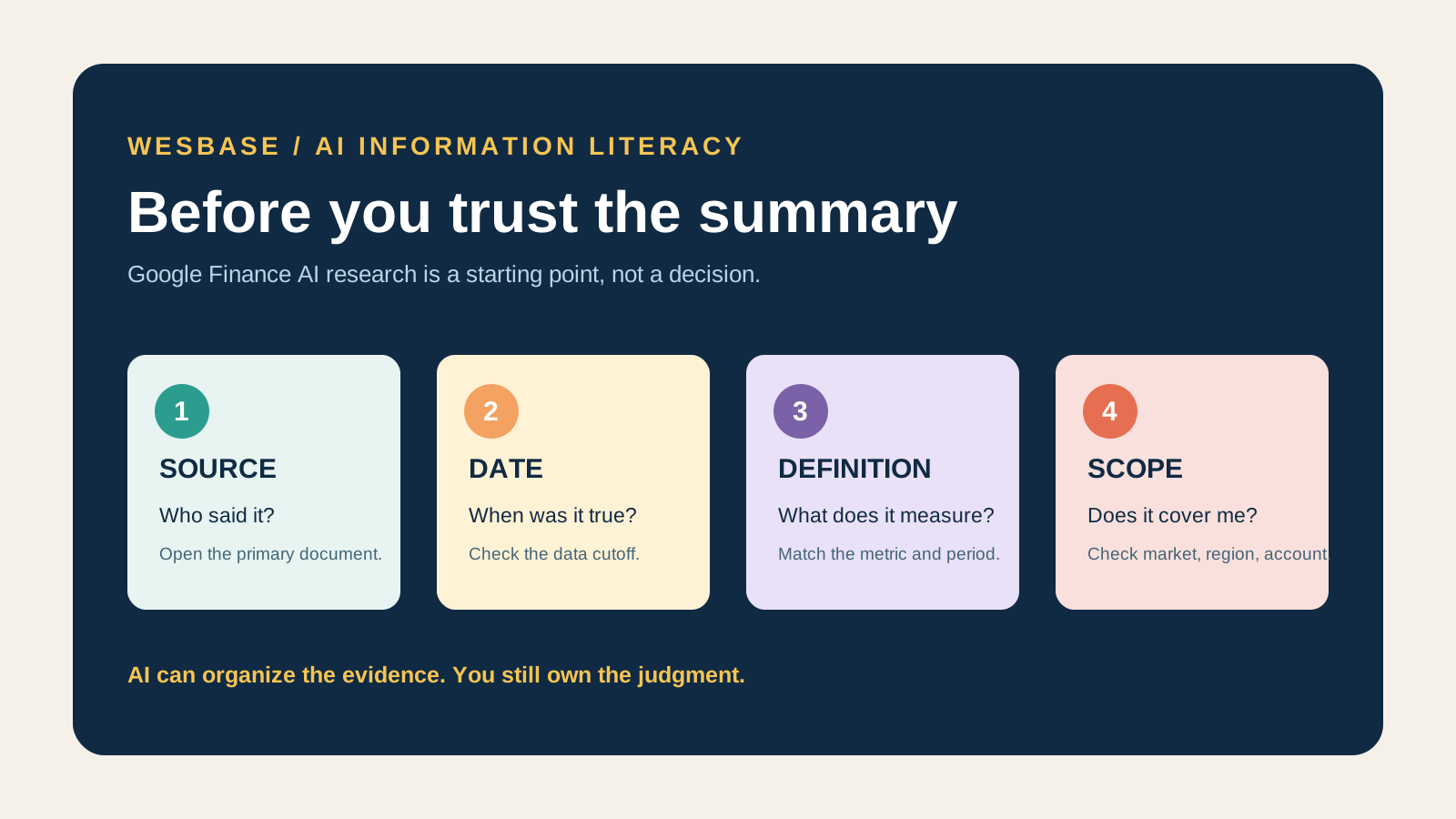
A complete-looking explanation is not a decision
If an AI tool tells you why a stock moved, shows bullish and bearish views, and sends a scheduled briefing, do not begin by asking whether it sounds right. Ask what it cites, when the data ends, and which market it covers.
After its June 2026 update, Google Finance is combining AI research, portfolio insights, market-event prompts, and scheduled tasks. It is becoming a research workspace for public financial information, not an automated adviser that can make decisions for you.
That is the boundary this guide uses: Google Finance can help you collect, organize, and question information. Any conclusion that could affect money still needs to be checked against its source, date, metric definition, and scope.
Start with the four jobs, not the feature list
| Feature | Useful for | Does not prove | Check first |
|---|---|---|---|
| AI Research / Deep Search | Breaking down a market question and finding material for follow-up | “Therefore I should buy” | Original sources, time window, and whether the answer is a third-party synthesis |
| Portfolio / Insights | Organizing holdings and spotting allocation or concentration prompts | “The prompt means I must sell” | Whether the holdings and data coverage are complete |
| Key moments | Finding market events, unusual price movement, or volume changes | “The move will continue” | Event time, metric definition, and the underlying report |
| Scheduled tasks | Receiving watchlist or market-topic updates on a schedule | “A daily briefing removes risk” | Scope, frequency, sources, and whether the task is still current |
Google’s product announcement confirms the direction: portfolios can show performance and allocation insights, users can ask research questions in natural language, and they can create scheduled market briefings. The help page adds Key moments, bullish/bearish views, Deep Search, earnings summaries, and links to official documents.
Those are capability descriptions, not guarantees about accuracy, returns, or predictive power.
The web and Android experiences are not identical
Google’s help documentation currently says that the Android app includes the core research panel, interactive charts, real-time market news, and custom watchlists. It describes portfolios, agentic tasks, and live earnings streams as web features at that point, with iOS support still coming.
When a feature is missing, check four things:
- whether you are using the web experience or the Android app;
- whether you are signed in and eligible for deeper research features;
- whether your country, language, and device are in the current rollout;
- whether the documentation describes a current feature or a staged release.
“The product has the feature” and “your account has it today” are different claims. Do not treat a missing button as proof of a failure, and do not treat a visible button as proof that every relevant market dataset is complete.
A verification matrix before you act
1. Sources: who is being cited?
Google’s help page says that AI summaries, insights, and visualizations synthesize third-party sources across its platforms. That matters: aggregation can make research easier, but it does not turn a secondary report into an original fact.
Open at least one primary source for any material conclusion. Use a company filing for earnings, a regulator’s document for a regulatory issue, and a vendor announcement for a product change. If the answer only says “the market believes” without a clear source, treat it as a lead, not a conclusion.
2. Dates: what moment does the answer describe?
Prices, market context, earnings expectations, and product rollouts change. An undated explanation of a “recent move” can combine an old event with a new price.
Check the response date, data cutoff, reporting period, and event time. For scheduled tasks, also check whether each briefing adds new information or repeats an old summary.
3. Definitions: what does the number measure?
Words such as performance, concentration, growth, and sentiment are not self-defining. Ask whether the comparison uses price or total return, whether the period is a day or a quarter, and whether concentration is grouped by sector, index, or market value.
If the definition is missing, do not compare the output directly with another chart. Return to the data page, filing, or official document and confirm that both sides use the same basis.
4. Scope: which markets and objects are covered?
An answer may cover only public material, selected countries, or the watchlist and portfolio you provided. It does not necessarily know your complete assets, taxes, liquidity needs, or risk tolerance.
That is why portfolio insights can prompt a concentration check but cannot become a personalized rebalancing instruction.
5. Fact versus inference: what did the source say, and what did AI infer?
Split the output into three layers:
- fact: a company published a document on a specific date;
- source view: how the company, an analyst, or a publication explains the change;
- your inference: whether the information changes your own decision.
Google also warns that AI can make mistakes and tells users to independently verify financial data. That warning belongs inside the workflow, not in a footnote you ignore.
6. Privacy: is the portfolio data necessary?
Google’s help page says that files or images uploaded for the portfolio feature are not retained by Google, and that users can edit or delete portfolio data. Still, upload only what the task requires and remove account numbers, cost details, or other unnecessary personal information first.
This product statement should not be expanded into “all related data is risk-free.” Connected services, device permissions, and account settings still need separate review.
Who should use it, and who should wait?
| Reader situation | Sensible use | Do not assume |
|---|---|---|
| You need context on a market event | Ask AI for leads, then open primary sources | A summary is enough to act |
| You maintain a watchlist | Use Key moments and scheduled tasks as alerts | Alert frequency is risk control |
| You want to review portfolio structure | Use Portfolio/Insights to find allocation questions | An automated prompt is a rebalance command |
| You are researching earnings | Use AI for navigation, then read filings and disclosures | An AI summary replaces the filing |
| You need personalized investment, tax, or legal advice | Consult a qualified professional | Google Finance is your adviser |
A five-minute workflow
- Narrow the question: define the object, time range, and metric you want to compare.
- Ask AI to organize material: request sources, dates, and unknowns.
- Select the consequential claims: do not try to validate every sentence equally.
- Return to primary documents: check announcements, filings, regulatory documents, and formal data.
- Write down “fact / source view / my inference”: if they are blended together, pause before acting.
If the sources still conflict, the defensible result is “research more” or “wait for confirmation,” not a forced directional call.
What to watch next
Google Finance’s feature boundary between web and mobile is still changing. Watch when portfolios, scheduled tasks, and live earnings move into more mobile experiences; whether regions and languages receive the same features; whether research answers continue to expose usable sources; and how the product communicates coverage and error.
Those changes may affect usefulness, but they do not change the basic boundary: AI can help you find questions and material faster; it cannot take responsibility for an investment decision.
FAQ
Does Google Finance AI tell me what to buy?
You should not use it that way. Google’s help page says that AI summaries and insights are informational and are not recommendations to buy, sell, or hold. Independently verify important data and consult a licensed professional when necessary.
Why can’t I find portfolios or scheduled tasks on Android?
Google currently describes those as web capabilities that will roll out to mobile over time. Check your account, country, language, and app version.
Are Key moments trading signals?
No. They track market events, unusual price movement, or volume. They are useful for finding a lead, not for proving future direction.
What should I verify first in an AI research answer?
Start with the source and date, then check the metric definition, market scope, and time window. For earnings or material decisions, return to company announcements, filings, or regulatory documents.
For a reusable record of AI outputs, see the decision-trail approach for AI knowledge work. If you are also using cross-app AI on Android, see the Android agent capability and permission boundaries.