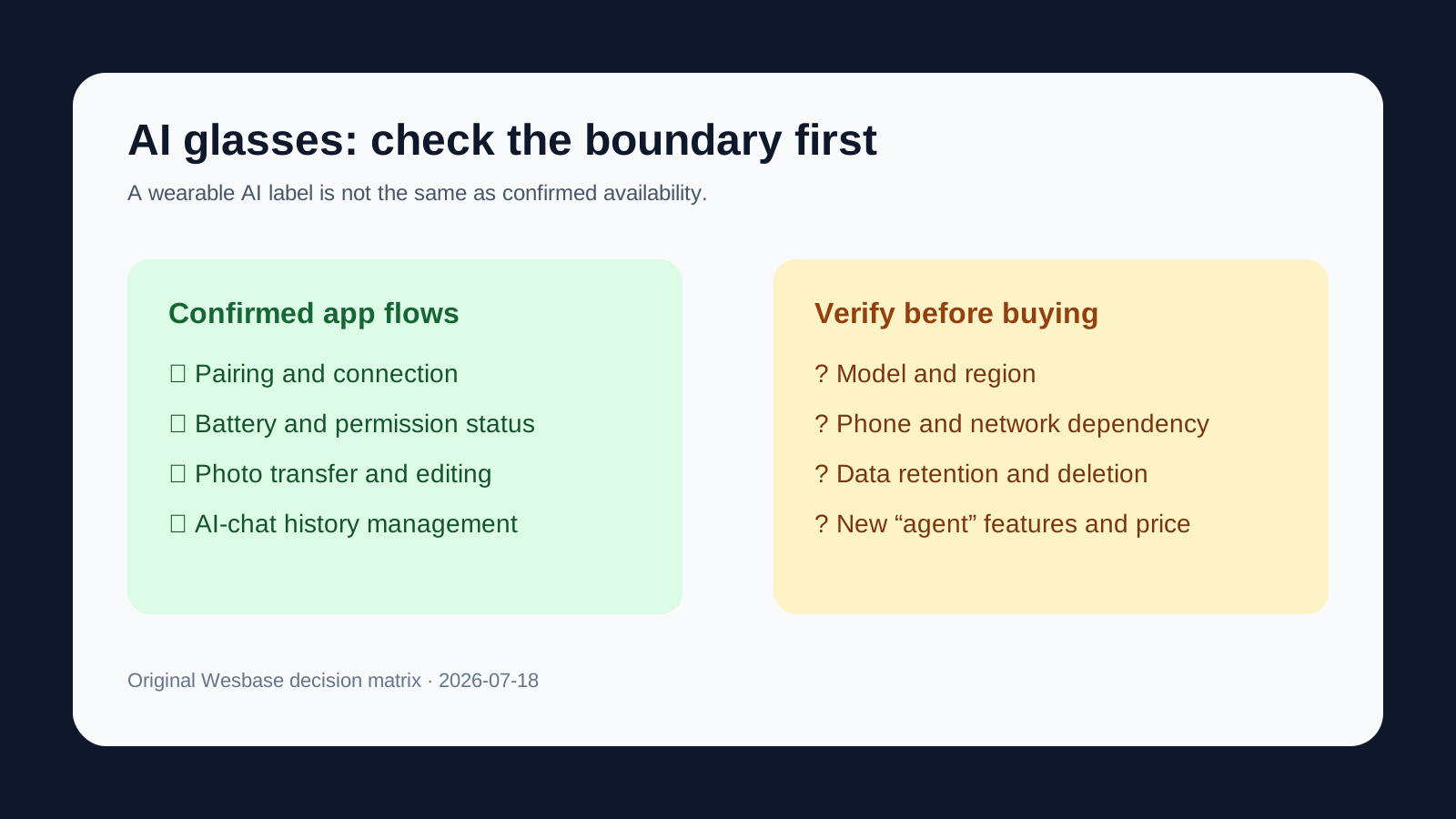
The confirmed product foundation
The Qwen AI Wearable app description puts pairing between the glasses and phone first. After pairing, it lists controls for volume, display brightness, sound effects, and firmware updates, along with battery, connection, and permission status.
It also lists importing captured content into the app for viewing, editing, and AI enhancement. AI-chat history can be viewed and managed. Navigation, translation, and other two-sided smart-app experiences are listed as continuing features.
This matters because it turns “AI glasses” from a marketing label into checkable steps. It is still an app description, however, not proof that every model, region, or operating system offers the same features.
A pre-purchase decision matrix
| Dimension | What can be checked now | What to ask before buying |
|---|---|---|
| Connection | The app supports pairing and shows connection status | Does your model and phone work with it? Does it need a continuous connection? |
| Device status | Battery, connection, and permissions are visible; some controls are available | Do key features require a specific app version or account? |
| Content management | Captured content can be imported; AI-chat history can be viewed and managed | How are photos, audio, and chats stored, deleted, and synced? |
| Operating system | The current App Store listing is iPhone-only and requires iOS 14.4 or later | When will Android support, regional coverage, and the full compatibility list be clear? |
| Price | A March launch report listed S1/G1 series; G1 was reported at RMB 2,899 before eligible subsidies | What are the current stock, discounts, subsidy conditions, and configuration prices? |
| New upgrade | A WAIC post claims an “agent glasses” upgrade | Which model gets it, when does it ship, and are the features on by default? |
If you are also comparing phone-based assistants, see the Android phone-agent boundary checklist; for the hardware trade-offs behind budget AI phones, see the budget-phone guide.
Who should consider it, wait, or skip it
If you already have a clear need for photos, translation, navigation, or on-the-go AI chat, and you accept the glasses-plus-phone-plus-permissions setup, work through the matrix before deciding. You are buying a manageable device experience, not a guarantee that the glasses will complete every task like magic.
If iris, eye-tracking, or biometric-monitoring claims are the main reason you are interested, wait for an official product page, model, sales date, and privacy notice. Treating an event post as proof of broad availability would be premature.
If you cannot accept phone-OS limits, location/photo/audio permissions, or a connected workflow, do not follow the “agent” label alone. The App Store privacy label says the developer may handle phone number, user ID, device ID, location, photos or video, audio, and diagnostic data. The same page says this is a developer disclosure that Apple has not verified.
What not to conclude yet
Qwen AI Glasses have concrete companion-app flows, and a March report provided launch series and price references. Neither proves that every upgrade mentioned at WAIC is shipping, broadly available, or supported in your region on July 18.
The next useful checks are an official model and sales page, clear Android and regional support, specific handling of iris/eye-tracking/biometric data, and visible confirmation and exit controls for “do things” features. Once those are available, buyers can judge whether this is a useful consumer device or still mainly a product direction on display.
FAQ
Can Qwen AI Glasses already handle every task autonomously?
That cannot be inferred. The event description needs a product page and a shipping model to confirm it; the concrete flows currently listed are pairing, status, photos, and AI-chat management.
Do the glasses require a phone?
The companion app describes pairing, device controls, and status as core flows, and the current App Store listing is iPhone-only. Android, offline use, and the full compatibility matrix remain unconfirmed.
Which privacy details matter most?
Check how location, photos or video, audio, device IDs, and account information are handled. The App Store privacy label is a developer disclosure and says it has not been verified by Apple.
Should I buy now?
Consider it if you have a clear use case and accept the phone-and-permission dependency. If you are waiting for the new event features, wait for an official model, sales, and regional-availability page.