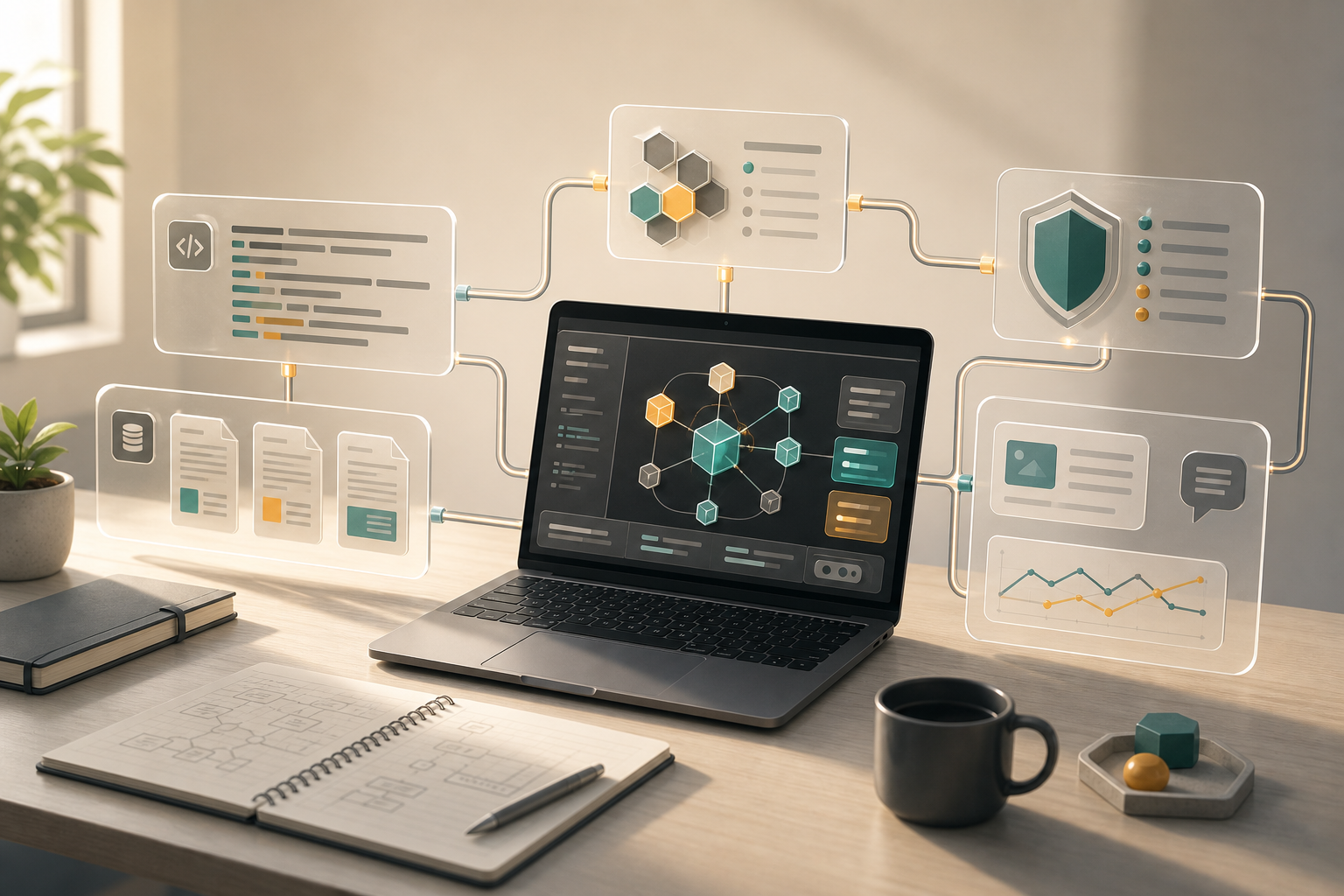
A personal AI agent stack should solve boundaries before it collects tools. A practical starting version has one stable main surface, two or three inspectable repeated agents, clear document access rules, conservative security review, and a weekly feedback loop.
When Agents Become Worth Configuring
If AI is just a chat box, there is not much to design. Ask a question, get an answer, move on.
But once it reads code, edits files, runs commands, summarizes documents, or drafts posts, the surface area changes. What can it see? What can it write? Which model is behind it? What happens when that model is rate-limited or repriced? Who reviews the output? Can you take over cleanly when it gets stuck?
At that point, AI is no longer a temporary assistant. It has entered your workflow. It can affect code, documents, publishing rhythm, and sometimes your own judgment.
That is why the easiest mistake in 2026 is not choosing too few tools. It is collecting tools before defining boundaries. The boundary is what makes the stack trustworthy, recoverable, and replaceable.
More Tools Means More Boundaries
The current wave of AI developer tools is moving in a few directions at once: specialist agents, model routing, agent-ready design systems, PDF and document processing, and AI-assisted security testing. Those do not look like one category, but together they point to the same shift. AI coding is moving from one assistant inside an editor toward a wider workflow.
That is why I am skeptical of “must-have AI tools” lists. They are fun to browse, but they rarely solve the workflow problem. For an individual developer, control matters more than novelty.
The Small Stack I Would Actually Use
I would start with one primary surface. It might be Codex, Claude Code, Cursor, a VS Code extension, or a terminal tool. The name matters less than the handoff: can it read the project, make small changes, run tests, show a diff, and give control back when it is wrong?
Only after that would I add agents. Projects like agency-agents are useful as a pattern, not as a shopping list. A task deserves an agent only when it repeats, has a clear boundary, and produces something you can inspect. PR review, release checks, content briefs, and document cleanup are good candidates. Vague one-off work is not.
Model gateways come later. OmniRoute points to a real need: fallback, model choice, one API surface, and cost control. But if your usage is light, a gateway is just another thing to maintain. Add it when rate limits, provider lock-in, or multiple tools become a real problem.
The same goes for knowledge. olmOCR is a reminder that AI does not only write code; it consumes PDFs, manuals, reports, and internal notes. Before building an elaborate RAG setup, I would simply sort documents into three groups: safe to send to AI, private but usable locally, and too sensitive to enter the toolchain.
Security is the layer where I would be most conservative. Strix and similar tools are worth watching, but I would keep them in defensive, authorized, pre-release workflows. I would not turn attack steps into a tutorial, and I would not let an agent run high-risk actions on its own.
A Practical Starting Point
| Area | Start Here |
|---|---|
| Main surface | Use one AI coding tool deeply before adding more |
| Agents | Keep two or three repeated workflows |
| Models | Skip the gateway until cost or limits hurt |
| Knowledge | Use Markdown with source notes before complex retrieval |
| Security | Keep review manual and permissions narrow |
| Feedback | Write one weekly note on what actually saved time |
This table is also the minimum test I use before adding a tool. It turns “is this exciting?” into “is this recoverable, replaceable, and reviewable?” For an individual developer, that filter usually removes more rework than another fashionable integration.
This setup is not flashy, but it is survivable. Every new tool should answer three questions: what repeated problem does it solve, what data can it see, and how do I recover when it fails?
Evidence Boundary and Update Policy
This article is based on open-source projects, tool patterns, and personal workflow practice observed from late June to early July 2026. It does not claim to list every AI agent tool or name any project as the best option. The source links at the end are used as examples of visible directions: specialist agents, model routing, agent-ready design systems, document OCR, and AI-assisted security testing.
I will mainly update this article when three things change: AI coding prices and quotas, evidence that multi-agent workflows reduce rework, and whether document processing or security scanning becomes default infrastructure for personal workflows.
The next things I would watch are simple: whether AI coding prices and quotas keep shifting, whether multi-agent workflows actually reduce rework, and which adjacent tools become default infrastructure.
If this direction continues, a personal AI agent stack will not be “one stronger plugin.” It will be a small engineering system. It does not need to be complicated, but it does need boundaries.